Control D Updates: July 2026
Control D's latest updates, including smarter scheduling, stronger org controls, passkeys, and 2 new free tools. Here's what's new.


Summer's here, and so is a fresh batch of Control D updates.
The last couple of months have been about making Control D do more of the work for you: smarter scheduling, stronger org controls, passkeys, and 2 new free tools that make DNS security easier to evaluate.
Here’s what’s new.
1. Endpoint Schedules, Rebuilt

Endpoint Schedules are now built for real routines, not just simple on/off windows.
Previously, each schedule enforced a single Profile during one fixed time range that repeated every week. It was great for basic on/off, but not ideal for anything more nuanced.
Now, you can build schedules with day-specific timeframes, overnight windows, precise start/end times, and multiple Profiles within the same schedule. Example use cases include:
- Stricter filtering during work or study hours
- A different Profile in the evening
- Overnight lockdown windows
- Different rules for different days of the week
- Less manual toggling when policies need to change on a predictable schedule
Set it once, apply it across Endpoints, and let Control D handle the switching.
2. DNS Speed Test Tool
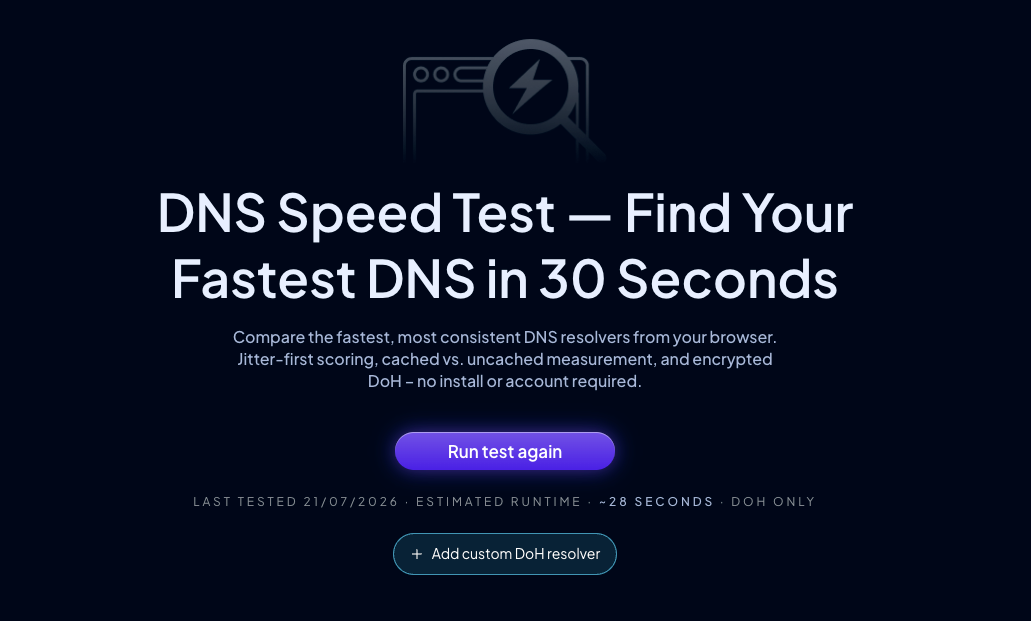
The new DNS Speed Test compares popular DNS-over-HTTPS resolvers directly from your browser, including Control D, Cloudflare, Google, Quad9, and others.
It shows practical metrics like latency, jitter, availability, cached vs. uncached performance, and overall score. We also added validation for custom resolvers, so random URLs, broken endpoints, and invalid DNS-over-HTTPS responses do not get treated like working results.
It is a simple way to see how different DNS providers perform from where you are, without setting up your own benchmark.
 Control D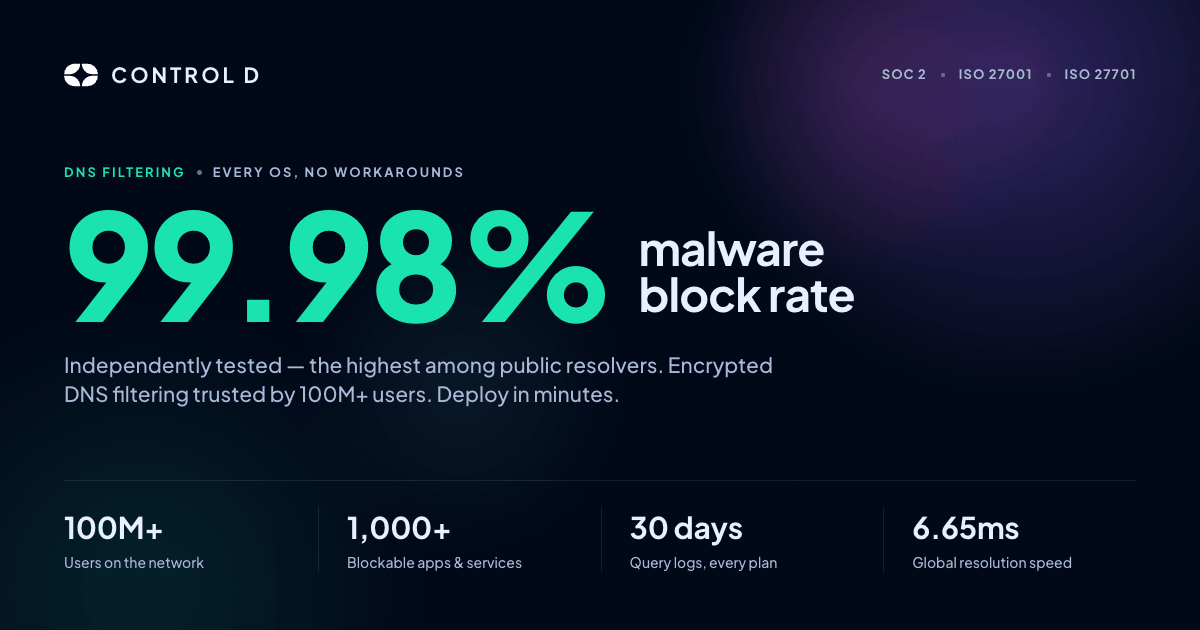
Visit our free DNS Speed Test tool
3. Cost Calculator
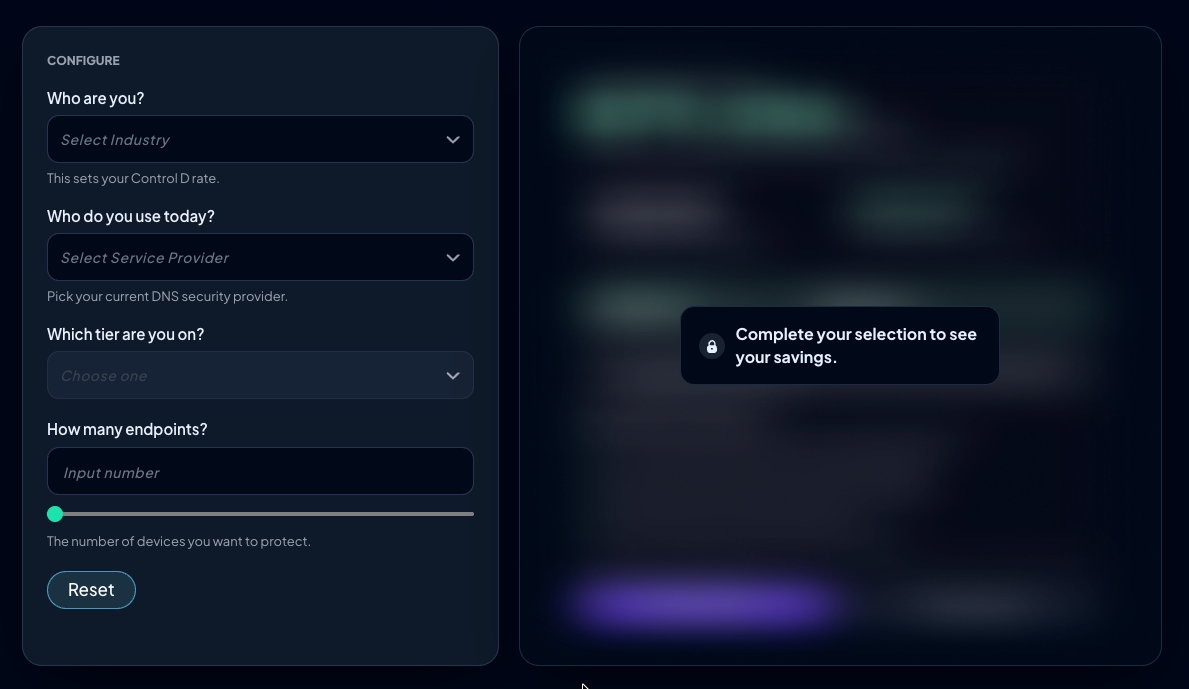
Performance is only half the DNS conversation. Cost matters too, especially for teams comparing providers.
The new DNS Cost Calculator helps estimate what you are paying now and what you could save with Control D. Pick your current provider, industry, and endpoint count, then generate a shareable result link for finance, procurement, or whoever else needs to see the numbers.
No more stitching together quotes and spreadsheets. Just plug in your setup and share the result.
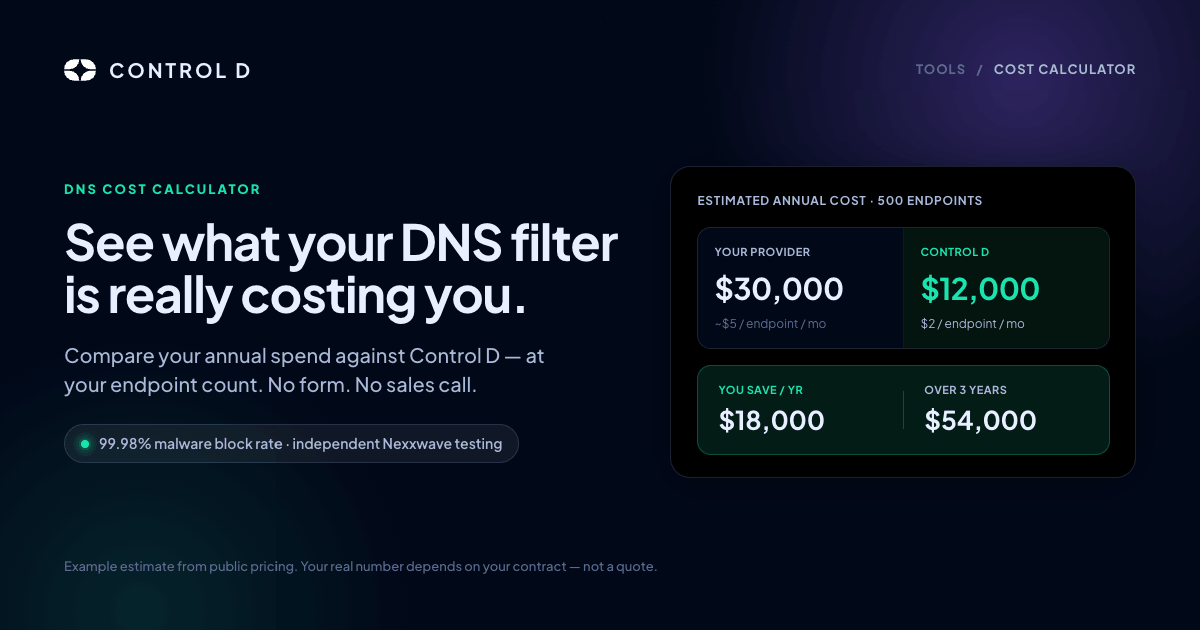
Visit our free Cost Calculator tool
4. Passkeys
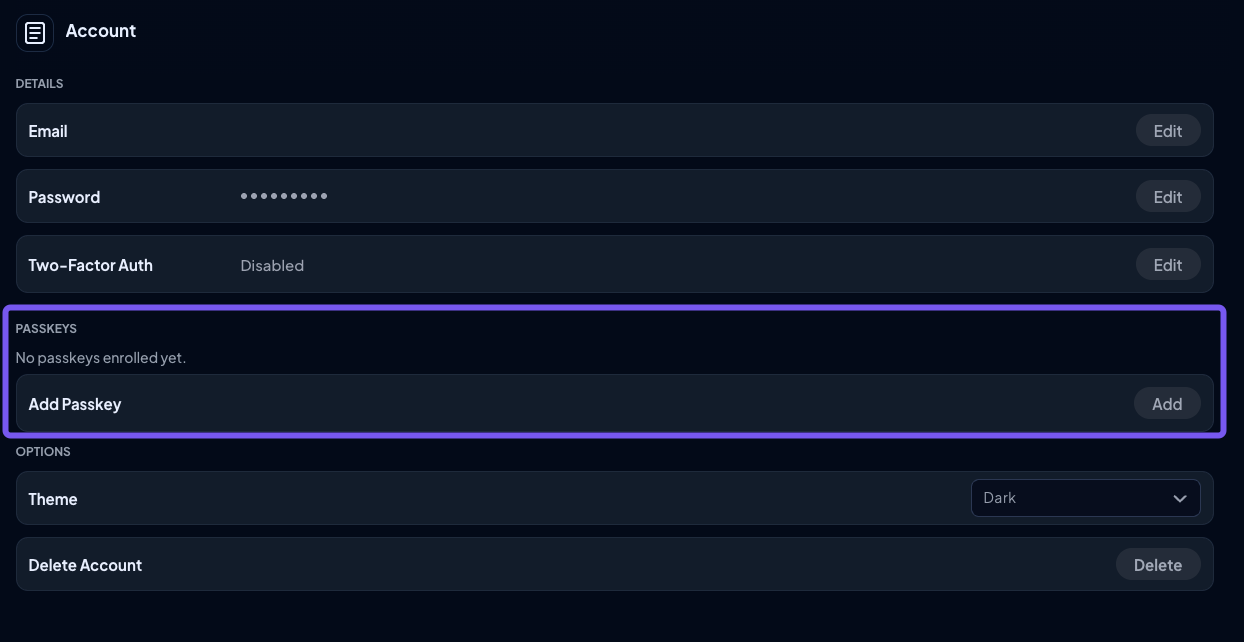
This one has been on the request list a while, and it’s finally here: Control D now supports passkeys!
You can register passkeys, use them during login, and manage them from your Account settings. Since passkeys use WebAuthn/FIDO2 authentication, they are more resistant to phishing than passwords while making login faster on supported devices.
We also cleaned up the surrounding login and signup experience, including clearer auth options, better error placement, and smoother passkey management.
5. Analytics Retention Controls
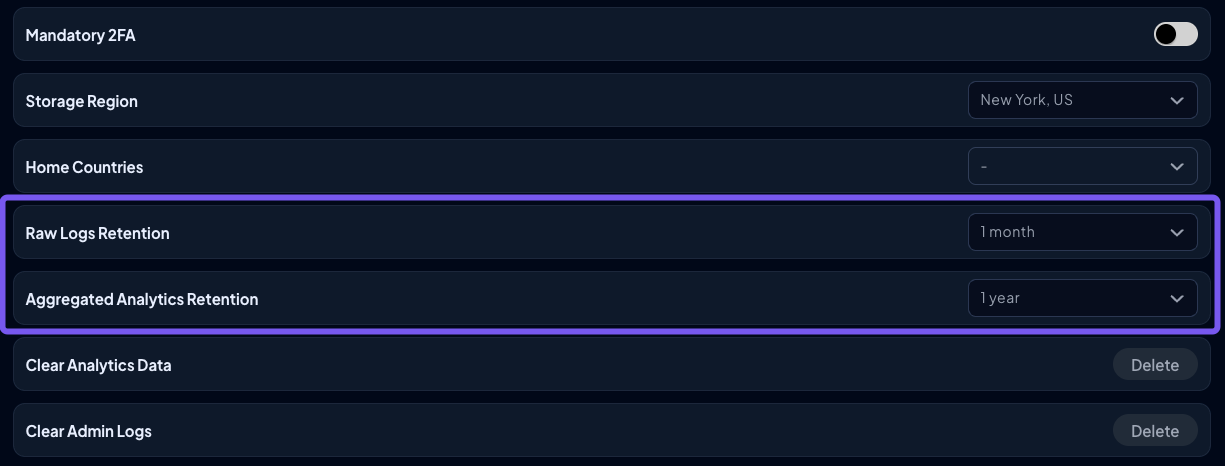
As you know, your raw query logs are separated from your aggregated Analytics. Raw logs provide detailed DNS activity, while aggregated Analytics powers longer-term reporting and trends.
Now, both are configurable from the My Organization tab:
- Raw Logs Retention: 24 hours, 3 days, 7 days, or 33 days (default)
- Aggregated Analytics Retention: 3 days, 7 days, 33 days, 3 months, 6 months, or 1 year (default)
The defaults still match the existing behavior (33 days for raw logs, 1 year for aggregated), so nothing changes unless you want it to. Aggregated retention is always kept at or above the raw log window, ensuring zoomed-out reports never end up with holes.
For teams with privacy, compliance, or data minimization requirements, this gives you a clearer way to reduce retained data without turning Analytics off entirely.
Note: We’ll roll this out to consumer accounts soon.
6. SSO Group Mapping

SSO Group Mapping makes Control D easier to manage for organizations using Okta or Microsoft SSO.
Instead of creating Control D-specific groups in your identity provider, you can map existing IdP groups to Control D roles: Owner, Admin, and Viewer. Control D checks those mappings during login and applies the right permissions automatically.
That makes onboarding, offboarding, and role changes easier to manage, especially for larger teams that already treat their identity provider as the source of truth.
What Else?
- Improved organization account management with Tax ID validation, better Analytics Report recipient suggestions, and fewer unnecessary data requests
- Added false positive / negative reporting for Free DNS resolvers
- Added ability to disable and remove a whole category of Services
- Improved Magic Folder guidance with clearer in-product explanations
- Improved DNS Leak Test results to show both IPv4 and IPv6 client IPs
- Fixed various issues affecting Endpoint setup and editing, Profile controls, Custom Rules, alerts, email counts, scroll positions, and Activity Logs
- Improved the Contact page with clearer support options
- Improved mobile navigation, performance, and stability across the website
- Added a new demo page
- Improved Create Endpoint modal
- Improved ctrld update messaging for newer installed versions
As always, head over to our Changelog for a full breakdown of every update.
What's Coming Soon?

We've got more in the pipeline. Here's a sneak peek:
- Supercharged Barry (3.0)
- Automatic stale IP/client cleanup
- Bulk false-positive/negative reporting
- Multiple report templates
- More Analytics enhancements powered by Dragonfly, our AI domain classification tool
We're constantly improving Control D to make it the best customizable DNS service on the market, and your feedback remains integral to that process.
If there's a feature you'd like to see or a suggestion you’d like to share, let us know via our Suggest a Feature page.