
The 7 Best GoGuardian Alternatives: Web Filtering, Price & More
This article reviews the top GoGuardian alternatives, prioritizing functionality, content filtering, pricing, and ease of use.

School administrators and IT leaders face a familiar headache: the constant effort to maintain a secure learning management environment.
GoGuardian is a popular choice for web filtering and classroom management in K-12 schools. However, it has faced criticism due to poor filtering capabilities, implementation challenges, and high operating costs.
GoGuardian Admin is commonly deployed with managed browser extensions on student devices. Students, naturally curious and tech-savvy, have figured this out. From "unblocking" scripts to simple proxy sites, the extension-level filter is often easy to sidestep. If a student uses a personal device or logs out of the managed session, the protection vanishes.
Beyond the bypass issues, pricing and complexity are driving schools away. Schools need a management system that enforces rules at the network infrastructure level, not just inside a single app. And it shouldn't cost an arm and a leg either.
This article reviews the top GoGuardian alternatives, prioritizing security, functionality, and value.
The Top GoGuardian Alternatives
We've scrutinized our top picks based on their ability to block and filter content, customer support, ease of onboarding, and price.
What we find most appealing are solutions that can stop students from accessing AI tools like Gemini & ChatGPT, gambling sites, adult content, and other material that's inappropriate for their needs.
1. Control D: Top Content Filtering Solution
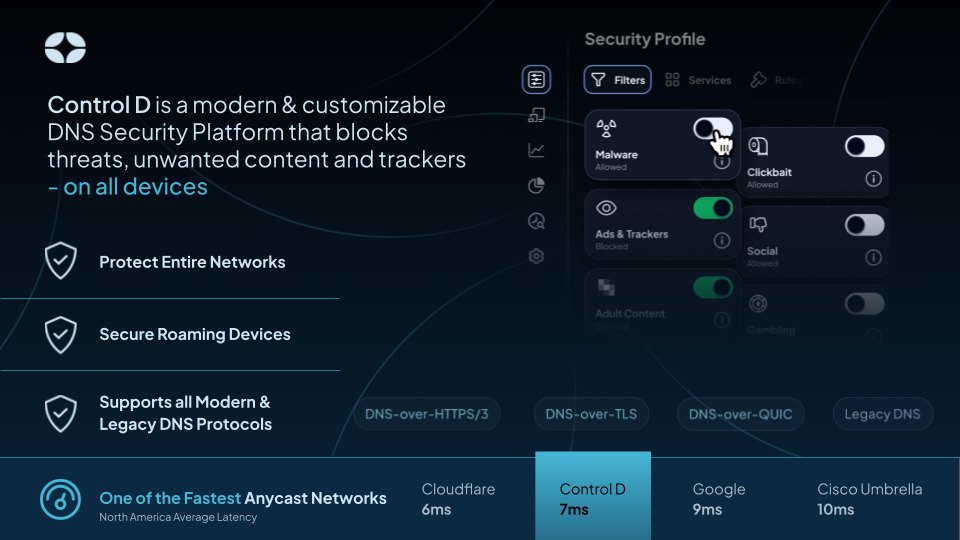
Control D reshapes how organizations manage internet traffic. It doesn’t rely on a web extension that a savvy user can disable. Instead, it operates at the DNS level. This means it filters every request before it reaches the device, blocking unwanted content regardless of the app, OS, or interface used.
The "Safe Browser" Fallacy vs. Real Security
GoGuardian’s primary weakness is its reliance on the browser. If a student installs a different app, uses a personal VPN, or finds a way to disable the extension, the filter fails.
Control D eliminates this gap. By enforcing rules at the DNS level (via DoH, DoT, or Legacy IP), the filter applies to the entire device. If, for example, a user tries to send a request to a blocked gambling site via Chrome, Firefox, or even a hidden in-app tool, the request hits Control D’s servers first. Control D sees the request and blocks it instantly. There is no software to uninstall.
CIPA Compliance & AI Blocking
Schools have unique filtering needs. Control D addresses them head-on:
- CIPA Compliance: Control D offers pre-built filters for every federally mandated category, including adult content, drugs, and phishing, ensuring your school qualifies for E-Rate funding.
- Academic Integrity: Stop AI cheating before it starts. The dedicated AI filter allows you to block access to ChatGPT, Claude, and other LLMs during exam periods with a single toggle.
Traffic Redirection: A Unique Capability
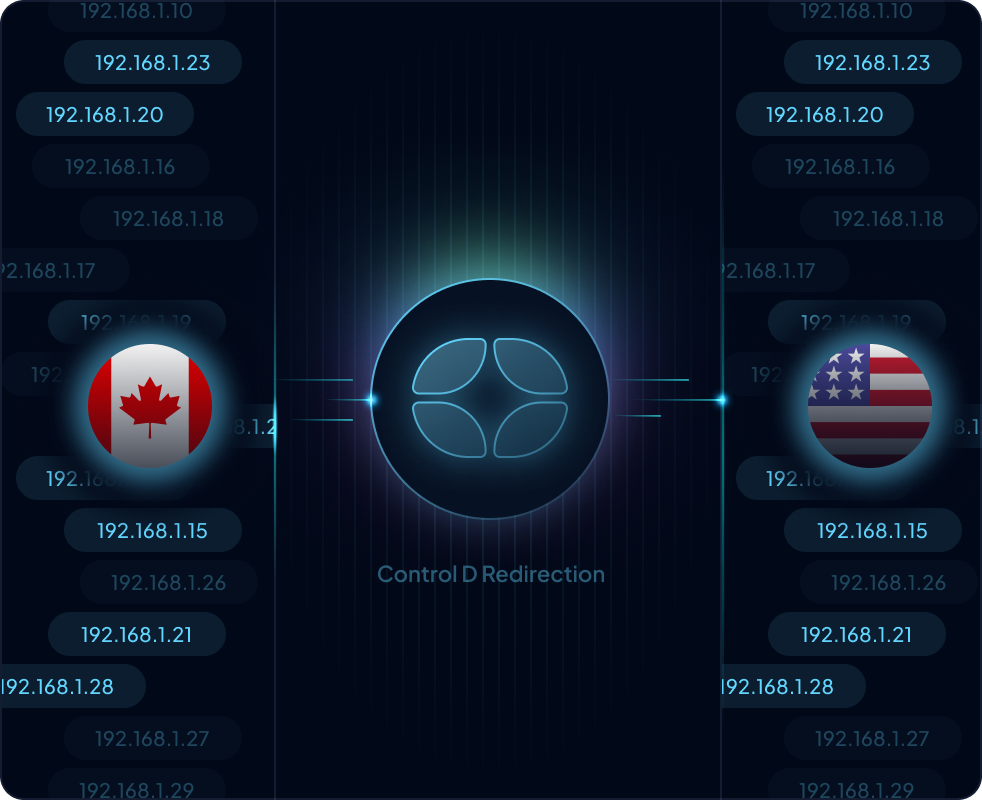
Most DNS filters just block things. Control D gives you granular command over where traffic goes. This is one of its robust features: Traffic redirection.
You can route specific traffic through different locations without slowing down the entire connection. For example, if your classes need access to region-locked educational content in the US while keeping all other traffic local for speed, Control D handles this request transparently.
You create a rule that says "Route request through New York," and it happens automatically. This functionality is rare among competitors.
Next-Generation Analytics (Analytics 2.0)
You cannot manage what you cannot see. Control D recently rebuilt its analytics engine to provide instant, deep insights into network usage.
- 30-Day Retention: Unlike competitors that wipe data after 24 hours, Control D keeps history for a full month.
- Granular Drilling: The interface lets you slice data by device, location, or destination. You can click on a specific blocked domain and immediately see which students or teams initiated the request.
- Real-Time Speed: Every DNS request is processed roughly 15x faster than previous standards. This means you view network activity as it happens.
Barry: The AI Network Admin
Networking is technical. Configuring complex split-horizon DNS or troubleshooting a specific blocking rule usually requires digging through documentation. Control D solves this with Barry, the first AI network assistant for real-time chat.
Barry isn't a generic chatbot. This little guy was built on top of the latest and greatest in ML technology we've previously used to revolutionize malware detection. He understands your specific configuration.
You can paste a confusing log entry regarding a failed request and ask, "Why was this blocked?" and Barry will analyze your actual rules to give you the answer. He can even write configuration files (ctrld.toml) for you, turning complex setup tasks into a simple copy-paste job. This makes management easier for IT staff who may not be DNS experts.
Pricing and Support
GoGuardian pricing models often lock schools into expensive per-student contracts with features they might not use. Control D offers transparent, volume-based pricing that scales with your needs, often at a fraction of the cost.
Support is another differentiator. Instead of waiting days for a ticket response regarding a simple request, Control D provides direct access to technical experts.
2. NextDNS
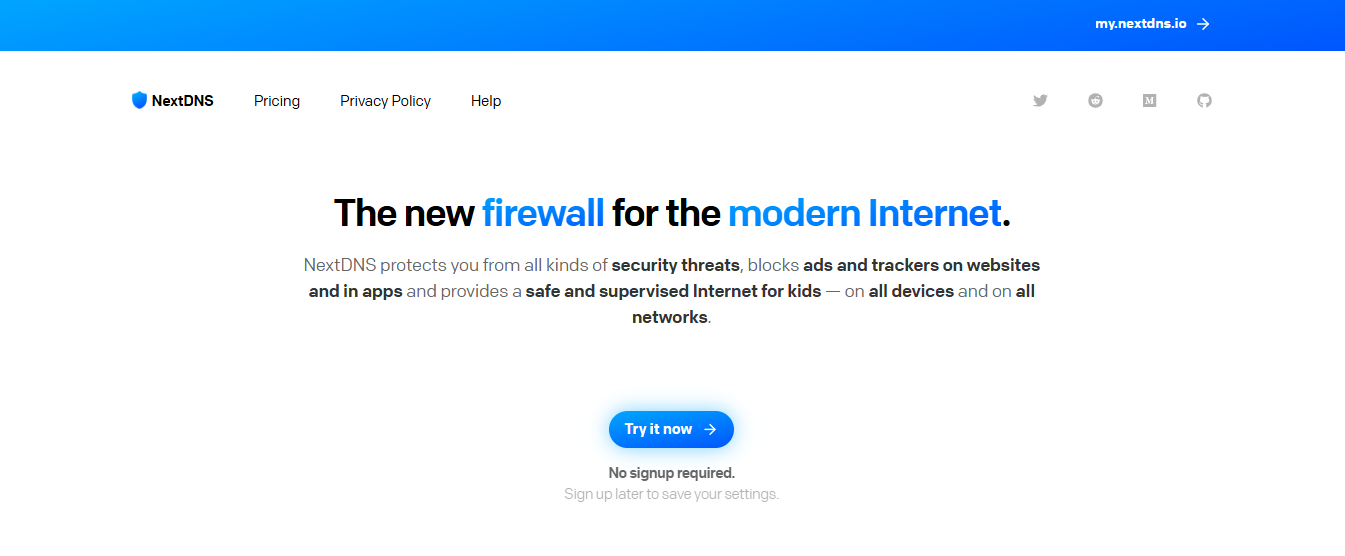
NextDNS is often the first GoGuardian alternative schools look at because of its low entry price. However, for a district or growing private school, the lack of management depth and rigid pricing "buckets" can create headaches down the road.
Features and Functionality
NextDNS built its reputation on strict no-logs policies and privacy features. It effectively blocks trackers and ads at the network level. The platform aggregates many popular community blocklists, allowing admins to choose their preferred level of filtering.
It is user-friendly and accessible for beginners. You can get a profile running on a mobile device or router in minutes. However, for larger organizations or schools, the lack of granular user management can be a hurdle.
Pricing
NextDNS uses a rigid block pricing model for education: you pay approximately $19.90/month for every 250 students. While this looks attractive on paper, it creates efficiency gaps known as cliff edges.
The Scenario: Imagine you are a private school with 260 students.
NextDNS Cost: You cannot buy “10 extra seats”. You’re forced to buy a second full bucket of 250. You end up paying for 500 students when you use only 260. You’re effectively wasting money on 240 empty seats.
Control D Cost: Control D operates on a linear, per-endpoint model. You pay strictly for what you use. If you add 10 students, your bill goes up by exactly 10 units. There is no wasted "shelf space" in your budget.
Read more: See how Control D stacks up against NextDNS. You will be pleasantly surprised.
3. Cloudflare Gateway
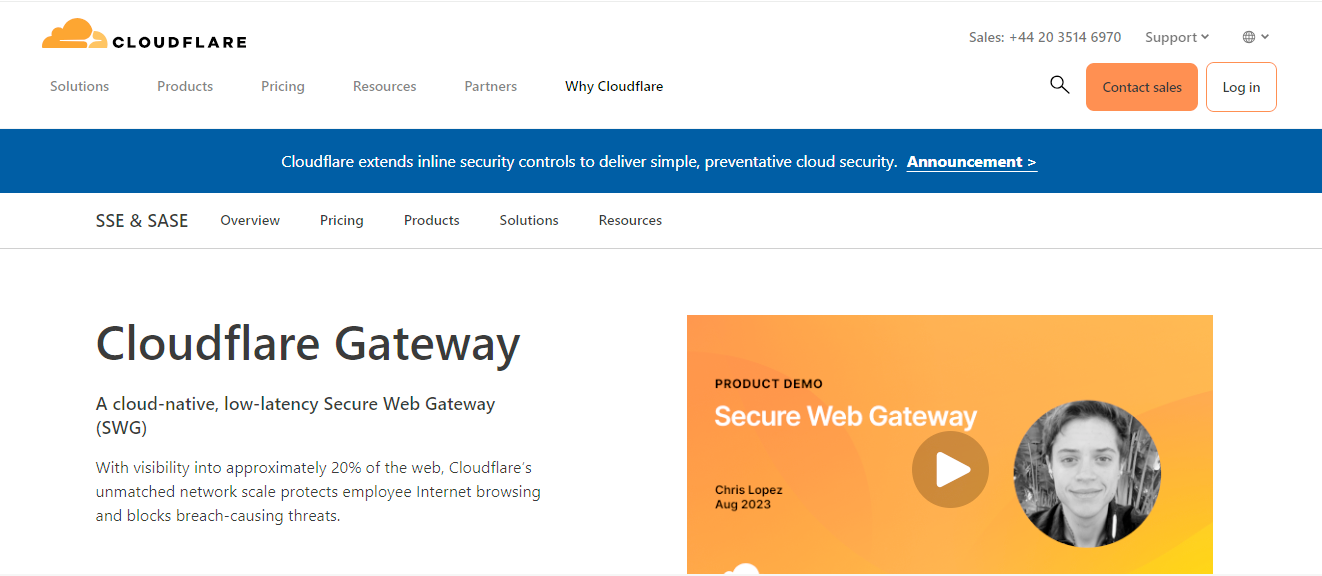
For business organizations deep in the Cloudflare ecosystem, Gateway (part of Cloudflare Zero Trust) is a logical choice. However, for a school, it is often overkill.
Security and Scale
Cloudflare’s network is massive. Their DNS resolution is among the fastest in the market. It integrates deeply with other security tools. If your security requirements are strict, Cloudflare checks the boxes.
Management Complexity
The downside is complexity. Setting up Cloudflare Gateway requires significant technical knowledge. For a school looking to block TikTok and adult content, the sheer number of options can be overwhelming. Configuring the policy for every HTTP request or DNS request is time-consuming. Control D makes management much easier by allowing you to block entire categories with a single toggle, saving your IT team hours of configuration time.
Pricing
Cloudflare offers a generous free tier for small teams (up to 50 users), making it a strong one of the free alternatives. However, the pricing jumps significantly for the enterprise plan, which includes the advanced logs and reporting features most schools need.
Read more: Take a deep dive into the differences between Control D and Cloudflare across features, pricing, performance, and more.
4. DNSFilter
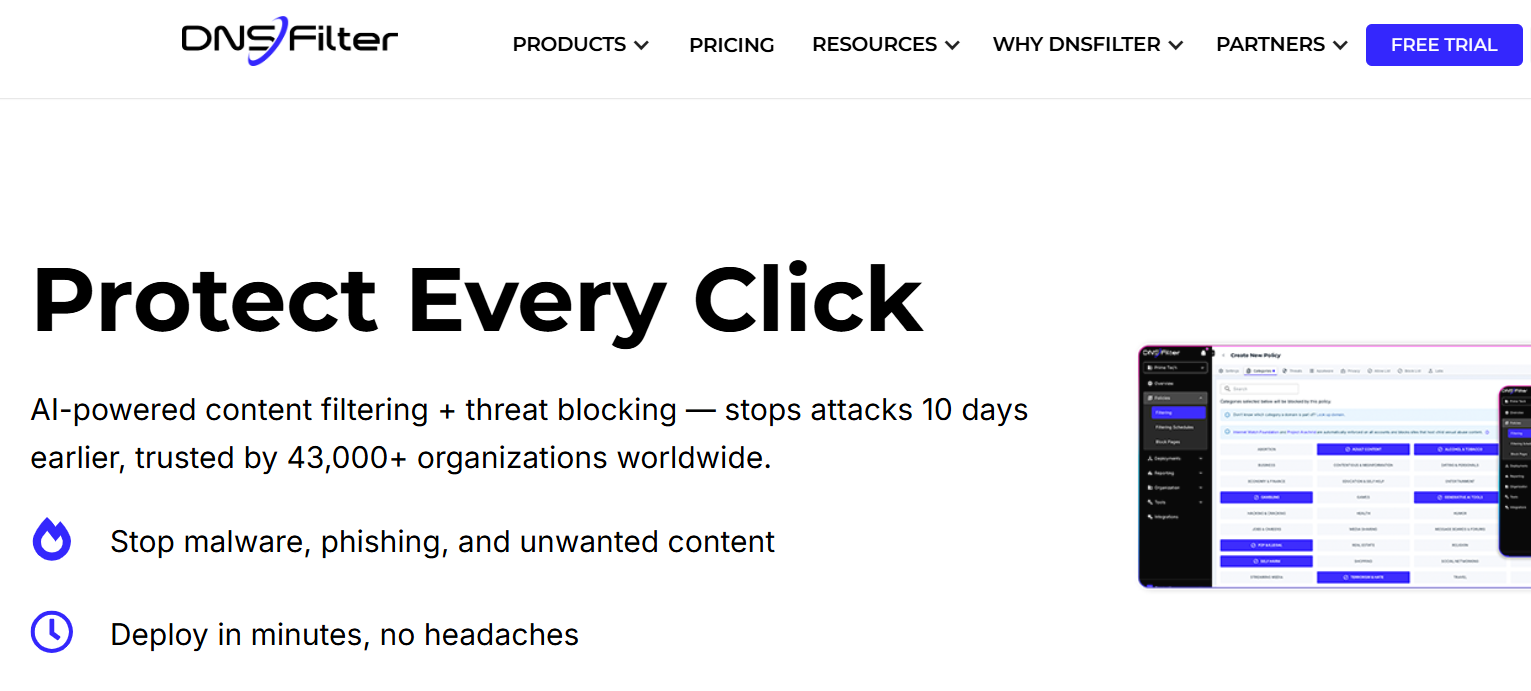
DNSFilter addresses content filtering with a focus on real-time threat intelligence, positioning itself as a high-end alternative to GoGuardian's classroom-focused tools.
Instead of waiting for human moderators to update blocklists—a slow process that students can easily exploit—it relies on automated engines to classify and block new domains within milliseconds of the request.
AI Categorization
Their main claim to fame is using AI to categorize new domains in real-time. This helps block phishing sites that quickly spin up and vanish. For example, if a student attempts to send a request to a newly created proxy site, DNSFilter immediately attempts to categorize and block the request.
Integration and Roaming
DNSFilter offers roaming clients for Windows, Mac, iOS, and Android to enforce policies off-network. This is useful for schools with 1:1 device programs where students take devices home.
Pricing
DNSFilter tends to be on the more expensive side of the pricing spectrum. When you compare it to Control D or NextDNS, you may find you are paying a premium for the AI label. Their pricing is per-user, which can get costly for large districts.
5. Cisco Umbrella (OpenDNS)
Formerly OpenDNS, Cisco Umbrella is the grandfather of DNS filtering. It is the safe, corporate choice for many large institutions and holds a significant market share.
Reliability and Integration
Being backed by Cisco means uptime is rarely an issue. If your organization runs on Cisco hardware (Meraki, Catalyst), the integration is seamless. You can manage your wireless and filtering from the same ecosystem.
The Downside: Legacy Tech and Price
The product feels its age. The interface is slow, and updates are infrequent compared to agile startups. Furthermore, you pay the "Cisco tax." It’s consistently among the most expensive options regarding pricing. For small districts or budget-conscious schools, the pricing is often prohibitive.
6. Securly
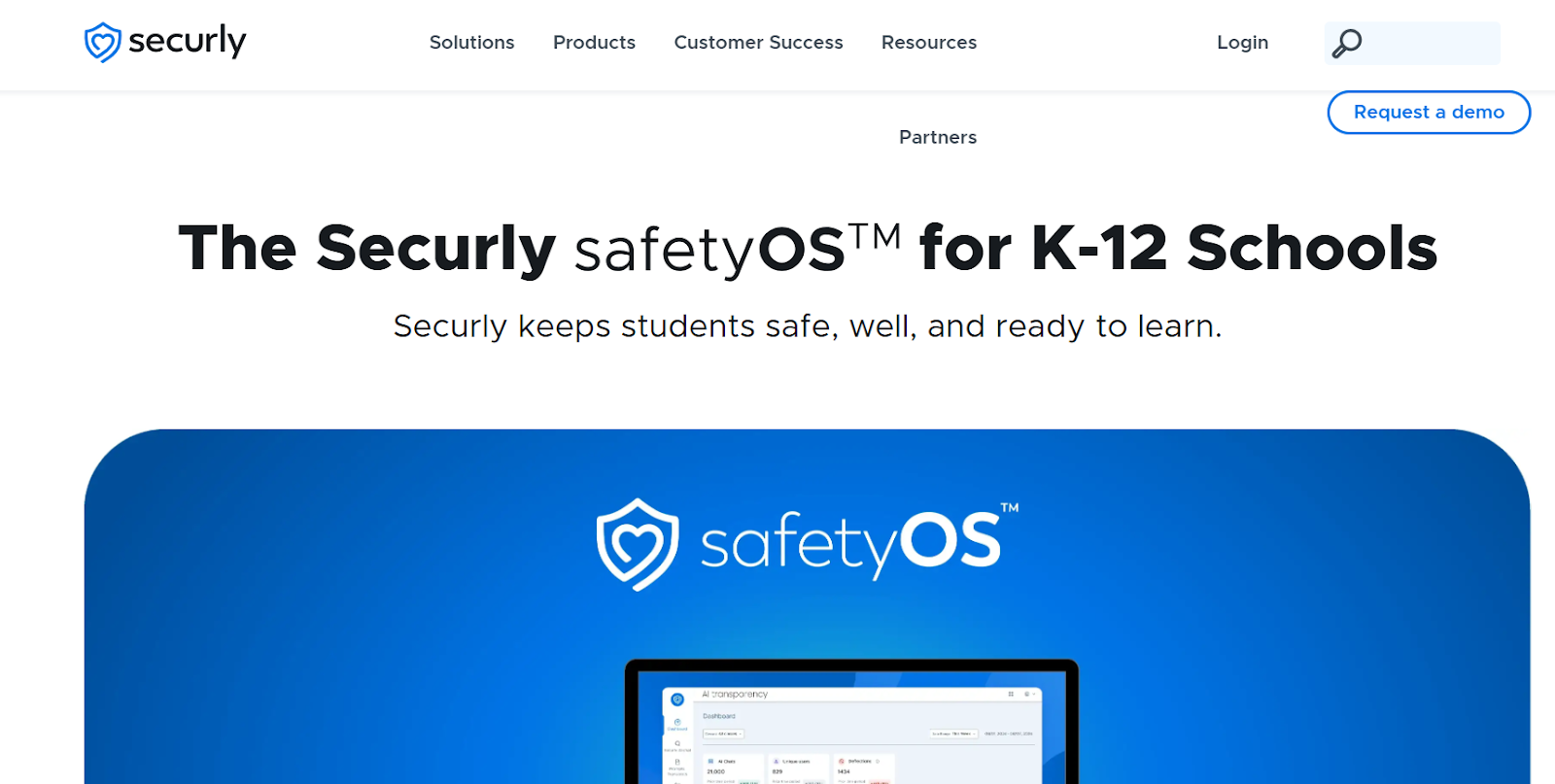
Securly targets the same K-12 audience as GoGuardian, prioritizing student safety features such as sentiment analysis and bullying detection over the raw technical controls found in network-based solutions.
Student Safety Focus
Like GoGuardian, they offer features specifically for flagging self-harm or bullying content in emails and docs. They position themselves not just as a filter, but as a student safety platform. They also provide a parent portal, allowing parents or guardians to view activity, which is a feature schools often request.
Extension Vulnerabilities
That said, like GoGuardian, Securly relies heavily on Chromebook extensions. This leaves them vulnerable to the same bypass methods. Students can often find ways to disable the extension, rendering the monitoring useless.
Pricing
Securly pricing is generally competitive within the K-12 sector, but can be opaque. You often have to contact sales for a quote, making it hard to compare pricing quickly.
7. Blocksi
Blocksi is another education-focused content filter that competes on price and classroom management features.
Classroom Tools
It offers teachers tools to see student screens and close tabs, similar to GoGuardian Teacher. It enables granular YouTube filtering by category, which is crucial for maintaining a focused learning management environment.
Weaknesses
A simple search on Reddit reveals dozens of student-made tutorials on how to bypass Blocksi. The reliance on the browser extension is the fatal flaw here. Additionally, support reviews often cite slow response times.
GoGuardian Alternatives at a Glance
How to Choose the Right GoGuardian Alternative
Selecting the ideal GoGuardian alternative requires looking beyond just blocking websites. You must consider how the software fits into your broader technical and operational ecosystem.
Integration with LMS and Business Tools
Whether you are a school using a learning management system (LMS) like Canvas or a business using a CRM, your filter must not impede progress. A common issue with aggressive filters like GoGuardian is that they inadvertently block resources needed for completing assignments.
- LMS Integration: Ensure the filter allows you to whitelist your learning management system domain globally. Control D makes this easy with custom rules for every request.
- Business Apps: If your marketing team uses Adobe Creative Cloud or your sales team uses a cloud CRM, ensure these bandwidth-intensive tools are not throttled. You should check whether the software can prioritize traffic for critical apps such as Adobe.
Impact on Student Performance and Employee Productivity
The goal of management is to remove distractions, not create hurdles. A user-friendly system improves student performance by keeping them focused without causing frustration.
- False Positives: If a student needs to watch a specific educational video, can the teacher unblock it instantly? With Control D, you can make quick rule changes that propagate within seconds of the request.
- Speed: Latency matters. If every DNS request takes 200ms to resolve, the internet feels slow. Control D is built for performance, ensuring access is snappy.
Management for Different Groups
You rarely want the same rules for everyone. Teachers need different access than students. Marketing needs access to social media, while Accounting does not.
- Groups and Profiles: Look for a platform that allows you to create distinct profiles for different groups.
- Categories: The filter should offer pre-built categories (e.g., Gambling, Malware, Social Media) so you don't have to build lists from scratch. Control D offers over 15 categories and hundreds of services you can toggle with one click.
Understanding Pricing Models
Pricing varies wildly in this market.
- Per User vs. Per Device: GoGuardian pricing is typically per user. Some competitors charge per device or per location.
- Hidden Costs: Be wary of pricing that appears low but hides features such as "Advanced Reporting" or "Long-term History" behind a paywall.
- Value: Control D offers a flat-fee pricing model for many use cases, often resulting in significant cost savings for schools and small businesses.
Why "Free GoGuardian Alternatives" Are Risky
While tools like Cloudflare’s free tier are excellent for individuals, they pose risks for institutions. These include:
- Compliance: Free tools rarely sign Data Processing Agreements or offer the compliance assurances (like COPPA or FERPA) that schools require.
- Support: When the internet goes down during state testing, you cannot rely on a community forum for help. You need to submit a ticket request with an SLA.
- Features: These alternatives usually lack reporting, learning management system integration, and granular categories.
It is usually worth paying a small fee for a paid solution to ensure reliability and security.
Implementation and Training
Switching software can be daunting. You need to consider the training required for your staff.
- Ease of Use: A platform like Control D is "set and forget." Once configured at the router or MDM level, there is very little daily management required.
- Teacher Training: If you choose a classroom management tool like Blocksi, you must budget time for training teachers on how to use the dashboard. Network-level filters like Control D are transparent to faculty and require no training.
The Verdict
The market for content filtering has evolved. The era of the browser extension is ending. Students and staff demand fast, reliable internet, and administrators demand security that is harder to bypass when paired with strong device controls.
Control D stands out as the superior choice. It offers the robust features of an enterprise firewall with the user-friendly design of a modern SaaS app. Moving control to the DNS layer closes the security gaps left open by GoGuardian.
For schools looking to regain control of their networks, the choice is clear. Stop playing games with extensions. Manage the request at the source.