
OpenDNS Pricing: Is It Worth It?
Breaking down OpenDNS plans, features, and hidden "costs", plus a better alternative that starts at $0.

OpenDNS pricing is simple in 2026: it's free. Both currently available consumer plans – OpenDNS Home and OpenDNS Family Shield – cost $0 and have no paid upgrade path.
But free doesn't always mean the right choice. Since Cisco acquired OpenDNS in 2015, the consumer product has remained largely unchanged: no consumer apps, no per-device profiles, and a single policy for your entire network. For a lot of households, those gaps matter more than the 'free' price tag.
This guide breaks down what each OpenDNS plan includes (and doesn't), the practical costs of running a free service like this, and how Control D compares as a more capable alternative that also starts at $0.
OpenDNS Pricing Breakdown
OpenDNS’s consumer offerings are unusual in a good way in that the price is $0. Instead of multiple paid tiers, “OpenDNS plans” for consumers are essentially two free options.
| OpenDNS plan | Cost | Who it’s for | What it is |
|---|---|---|---|
| OpenDNS FamilyShield | Free | Families who want a simple set-and-forget filter | A preconfigured DNS filter designed to block adult content and common risky categories with minimal setup. |
| OpenDNS Home | Free | Households that want more customization | A free dashboard-driven version that lets you tune filtering and view basic stats. |
What Happened to OpenDNS Home VIP and Umbrella Prosumer?
If you've come across older articles or reviews mentioning paid OpenDNS plans, you're not imagining things. Until 2023, OpenDNS sold two paid consumer tiers:
- OpenDNS Home VIP ($19.95/year) added a year of internet usage stats (vs. two weeks on the free Home plan), expanded blacklist/whitelist entries, and an optional whitelist-only mode.
- OpenDNS Umbrella Prosumer ($20/user/year, up to 5 users) extended protection to roaming Windows and Mac devices via locally installed agents.
Cisco placed both on end-of-sale in 2023. Existing subscribers were grandfathered for a final term, with a Cisco moderator confirming on the community forum that they'd transition to a free account roughly equivalent to their paid tier. For new users, neither plan is purchasable.
That means you can't unlock more granular filtering, longer log retention, or detailed stats and analytics. If you've outgrown the free plan, your only options are Cisco Umbrella (built for businesses) or a different DNS provider entirely.
What Is Cisco Umbrella?
Cisco Umbrella is the enterprise SaaS product built on the same DNS infrastructure as OpenDNS, aimed at businesses and Managed Service Providers (MSPs) that need more advanced features like a secure web gateway (SWG), Cloud Access Security Broker (CASB) integrations, and centralized management.
The catch: Cisco doesn't publish list prices. Actual costs depend on plan, user count, contract length, and a stack of add-ons that aren't disclosed upfront.
We pulled together third-party data, reseller pricing, and reviews to build a full picture in our Cisco Umbrella pricing guide. It's worth a read if you're a business seriously evaluating the service.
OpenDNS Features: What You Actually Get
For the free price tag, OpenDNS Home delivers a respectable baseline of DNS security backed by Cisco Talos threat intelligence. The feature set has barely moved since the Cisco acquisition, but the fundamentals work.
OpenDNS FamilyShield (Free)
- Preconfigured filtering designed for families
- Strong “set it and forget it” approach
- Blocks major categories commonly tied to adult content and malicious websites
- Can help reduce exposure to phishing attacks and sites, and other online threats at the DNS level
- Zero setup beyond changing one DNS setting
- No dashboard, no stats, no customization (seriously, set it and forget it)
The tradeoff is that there are little to no “extra” features or capabilities. It’s meant to be simple.
OpenDNS Home (Free)
- Includes a dashboard experience for:
- Customizable content filtering with pre-made categories
- Simple, high-level stats showing which sites got blocked
- Allow/block lists for domains
- Better fit if you want to tune security policies beyond the FamilyShield defaults
The tradeoff is that it requires more steps to configure and maintain than FamilyShield.
What You Don’t Get With OpenDNS
What you don't get, even on the free Home plan, is quite important these days:
- No consumer apps for iOS, Android, Windows, or Mac
- No per-device profiles
- No schedules or time-of-day rules
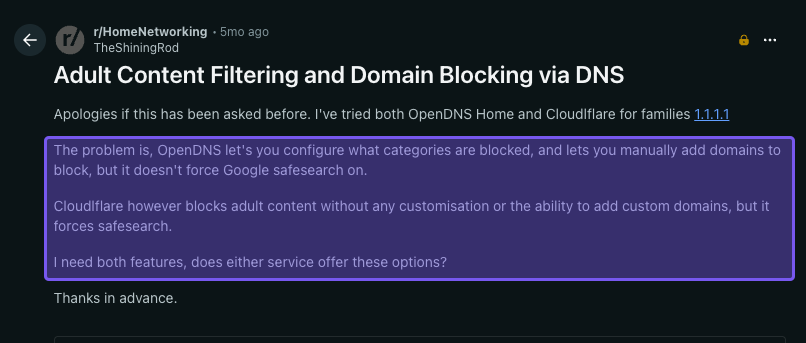
- No Safe Search enforcement on the free tier without manual CNAME tricks
- No per-device DoH endpoints.
8 Considerations Before Choosing OpenDNS
OpenDNS may be free, but you’re still “buying” it with your time and by choosing it as a long-term foundation for your home’s secure internet setup.
Here's where OpenDNS works and where it stumbles to help you decide whether it’s the right fit.
1. Who OpenDNS Is Actually For
OpenDNS is built for regular home users and families who want simple protection. It works great if you're a parent wanting to block inappropriate stuff or just want to add some basic DNS layer security against sketchy websites.
But if you're a tech-savvy person who wants precise control over your network, cares deeply about privacy, or has a household where you want advanced parental controls, OpenDNS is going to feel pretty limiting. It's designed for simplicity, not flexibility.
2. Customization
Piggybacking off the previous point, OpenDNS gives you 50+ categories to work with, but you can only turn entire categories on or off. So if you want to block social media but allow LinkedIn, for example, that’s not possible.
Also, you can’t create different rules for different people. For example, you can't have stricter rules for your 10-year-old's iPad while keeping looser settings for your teenager's laptop. You can't block social media on your kids' devices while leaving it open on yours.
There are no time-scheduling features either, so you can’t block access to certain sites during the day and relax it at night, or vice versa.
OpenDNS is one of those security solutions that's great for an all-or-nothing blanket approach, but anything that requires some fine-tuning, tailored controls, or nuance will likely leave you frustrated.
3. Innovation and Active Development
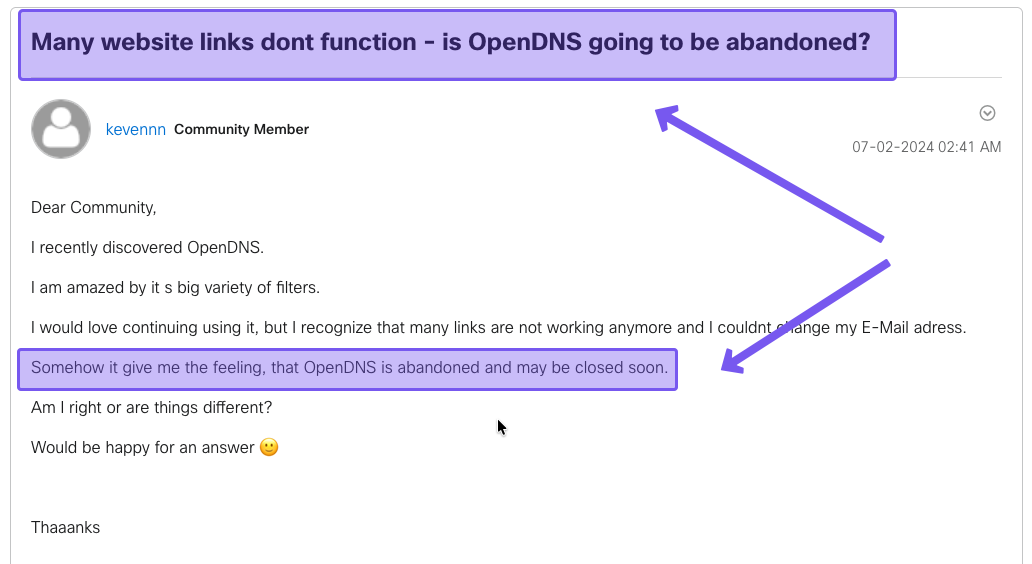
OpenDNS Home is still useful, especially for basic DNS-level filtering on a home network. But because it’s a free consumer product, it doesn’t appear to be where Cisco is putting most of its energy.
Cisco puts more attention into paid business products like Umbrella and Secure Access, while OpenDNS Home remains a more basic, legacy-style tool for home filtering.
That’s not to say OpenDNS is abandoned or useless. It just means you should know what you’re getting: a solid free layer of protection, but not a modern, polished service with device-level controls, app management, reporting, or rapid feature updates found in other tools.
4. Complexity and Ease of Deployment
Broadly speaking, deploying OpenDNS is fairly straightforward. If you configure DNS at the router level, OpenDNS can cover most devices on your home network without installing or changing anything on each one.
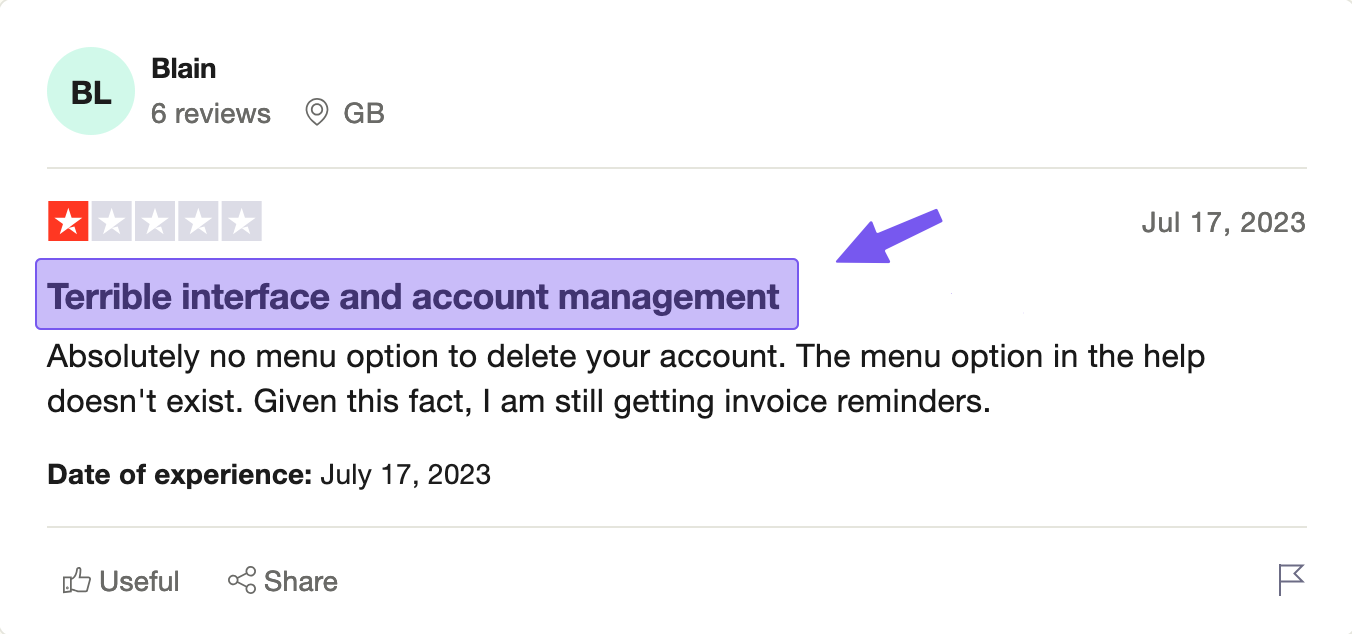
But router setup varies widely by model and ISP, and troubleshooting can be an issue for non-technical users if:
- Your router doesn’t support the configuration you need
- Your public IP changes, and OpenDNS Home isn’t kept updated
- Devices override DNS, use VPNs, switch to cellular, or use encrypted DNS settings independently
5. Scalability
OpenDNS works well when “one policy for the home network” is enough. It can feel less scalable if you want:
- Separate rules for parents vs kids vs guests
- Per-device policies for phones that leave the house
- Easy temporary overrides without logging into a router
6. Support
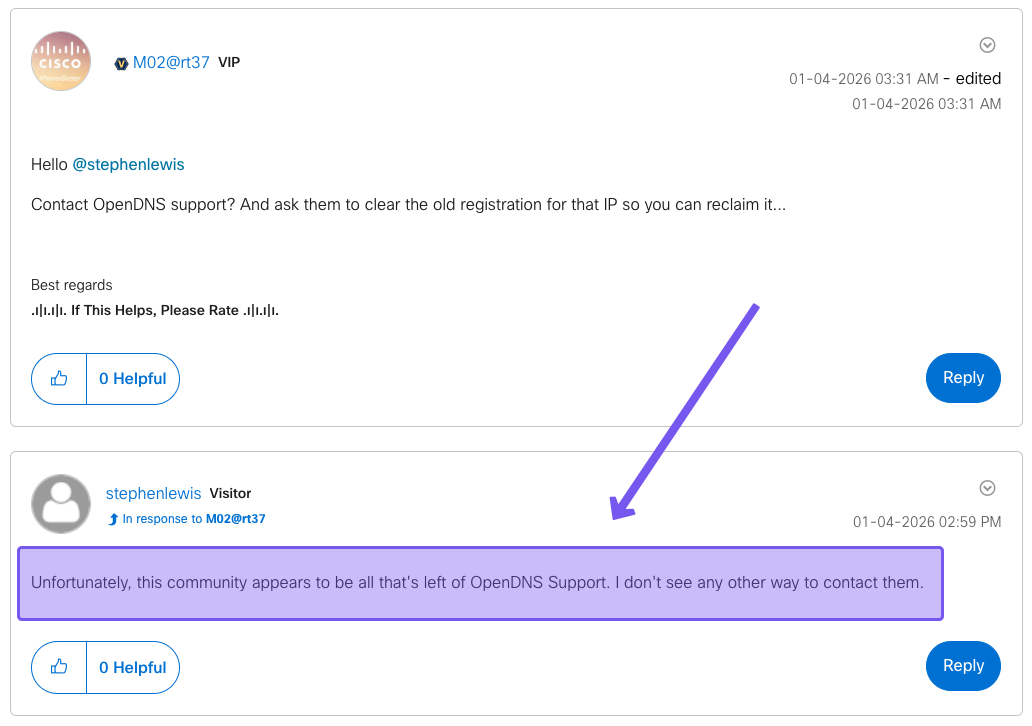
OpenDNS provides self-service knowledge base articles and community-style help, but there’s no phone support, email support, live chat, etc. That means if you have an issue, you’ll have to figure it out yourself.
If you’re the type of person who prefers being able to speak to a human person for help when needed, you may want to look elsewhere.
7. Privacy and Data Collection
OpenDNS doesn't block ads or stop trackers from following your family around the internet. Actually, as a Cisco product, OpenDNS collects data about all queries that go through its DNS servers for "security and service improvement." If privacy matters to you, this isn't great news.
8. Dynamic IP Overhead
OpenDNS Home filters traffic only when it originates from a public IP registered in your dashboard. Most residential ISPs have a dynamic IP address, meaning your public IP address changes regularly.
As such, you'll need to run the OpenDNS Updater utility on a Windows or Mac machine that's always on, or configure your router's dynamic DNS client to ping OpenDNS to ensure your policy stays associated with the right network over time
That's an ongoing operational requirement that costs you time and a permanently online device.
Control D: A Better, More Cost-Effective Alternative to OpenDNS
OpenDNS works, but the gaps are hard to ignore: one policy for your whole network, no apps, no per-device control, and a product that hasn't evolved in a decade.
Control D addresses all of it. Per-device profiles, protection that follows your devices off your home network, ad and tracker blocking, 1,000+ blockable services, and modern encrypted DNS.
You can start for free with no account required, or unlock the full experience for $3/month when you're ready.
Control D Pricing Breakdown
| Plan | Monthly | Annual | Best for |
|---|---|---|---|
| Control D Free DNS | $0 | $0 | Users who want a preset filter, such as Malware, Ads, Family-Friendly, or Uncensored, without an account. |
| Control D Some Control | $3.00 | $30.00 | Households wanting custom rules, profiles, analytics, and 1,000+ blockable services. |
| Control D Full Control | $6.00 | $60.00 | Adds Traffic Redirection, including location spoofing across 100+ proxy locations in 60+ countries. |
| OpenDNS Home / FamilyShield | $0 | $0 | Basic single-network category filtering on a registered IP. |
Free DNS Resolvers – $0, no account required
- Pre-configured resolvers you can use instantly by changing one DNS setting on your router or device
- Multiple resolver options to choose from: Malware, Ads & Tracking, Social Networks, Family Friendly, and more
- Works on any device, anywhere, with no registration or account needed
- Supports modern encrypted DNS protocols, including DoH, DoT, and DoQ
- No logs, no data collection, no strings attached
Some Control – $3/month or $30/year
- No caps on usage
- Blocks 1,000+ individual Services (think specific apps, platforms, and websites)
- 20 content filter categories to work with
- Up to 10,000 custom allow and block rules
- Best-in-class malware filtering
- Security and privacy protection built in
- Detailed analytics so you can see exactly what's happening on your network
Full Control – $6/month or $60/year
- Everything included in Some Control, plus:
- Traffic Redirection across 1,000+ services and general web traffic, routing your connection through 100+ locations in 60+ countries without needing a separate VPN or proxy
Control D Features: What You Actually Get
| Feature | OpenDNS FamilyShield | OpenDNS Home | Control D Free DNS | Control D Some Control | Control D Full Control |
|---|---|---|---|---|---|
| Cost | Free | Free | Free | $3/month or $30/year | $6/month or $60/year |
| “Set & forget” family mode | ✅ | ✅ (configurable) | ✅ (preset profiles) | ✅ | ✅ |
| Adult content filtering | ✅ | ✅ | ✅ (via profiles) | ✅ | ✅ |
| Customizable filtering | ❌ | ✅ | Limited (preset/custom configs without dashboard) | ✅ | ✅ |
| Block specific services/apps | ❌ | ❌ | ❌ | ✅ (large service list) | ✅ |
| Modern encrypted DNS protocols | Varies by setup | Varies by setup | ✅ | ✅ | ✅ |
| Analytics dashboard | ❌ | Basic | ❌ | ✅ | ✅ |
| Per-device policies | ❌ | Limited | ❌ | ✅ | ✅ |
| Traffic Redirection | ❌ | ❌ | ❌ | ❌ | ✅ |
1. Best-in-Class Malware Protection
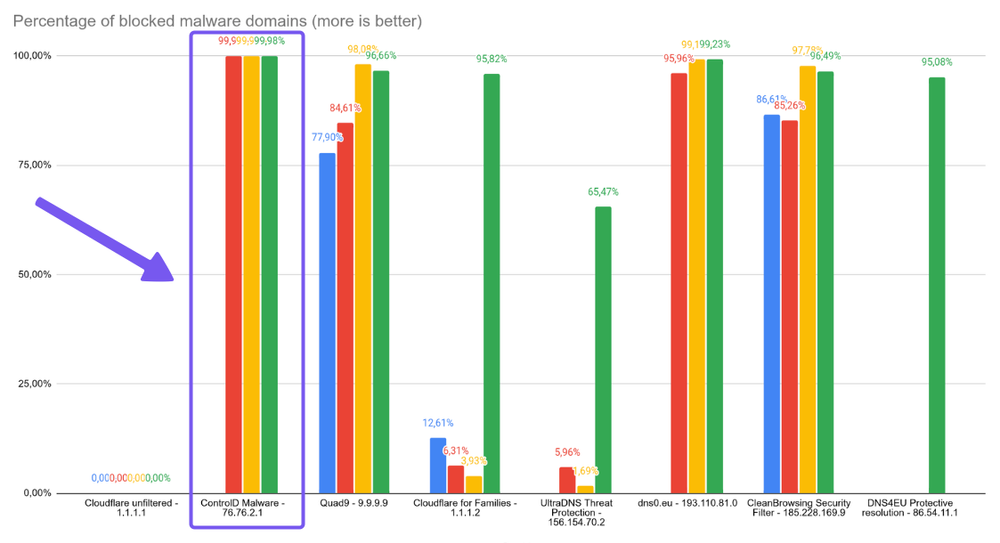
Independent testing puts Control D's malware filter at a 99.98% block rate, ahead of Google, Cloudflare, Quad9, and every other provider tested.
Rather than relying solely on blocklists, Control D pulls from multiple threat feeds and uses AI to catch suspicious and newly registered domains in real time, before they make it onto traditional lists.
This means you have access to the most advanced threat protection available, ensuring you’re always one step ahead.
2. Block Specific Apps and Services, Not Just Broad Categories
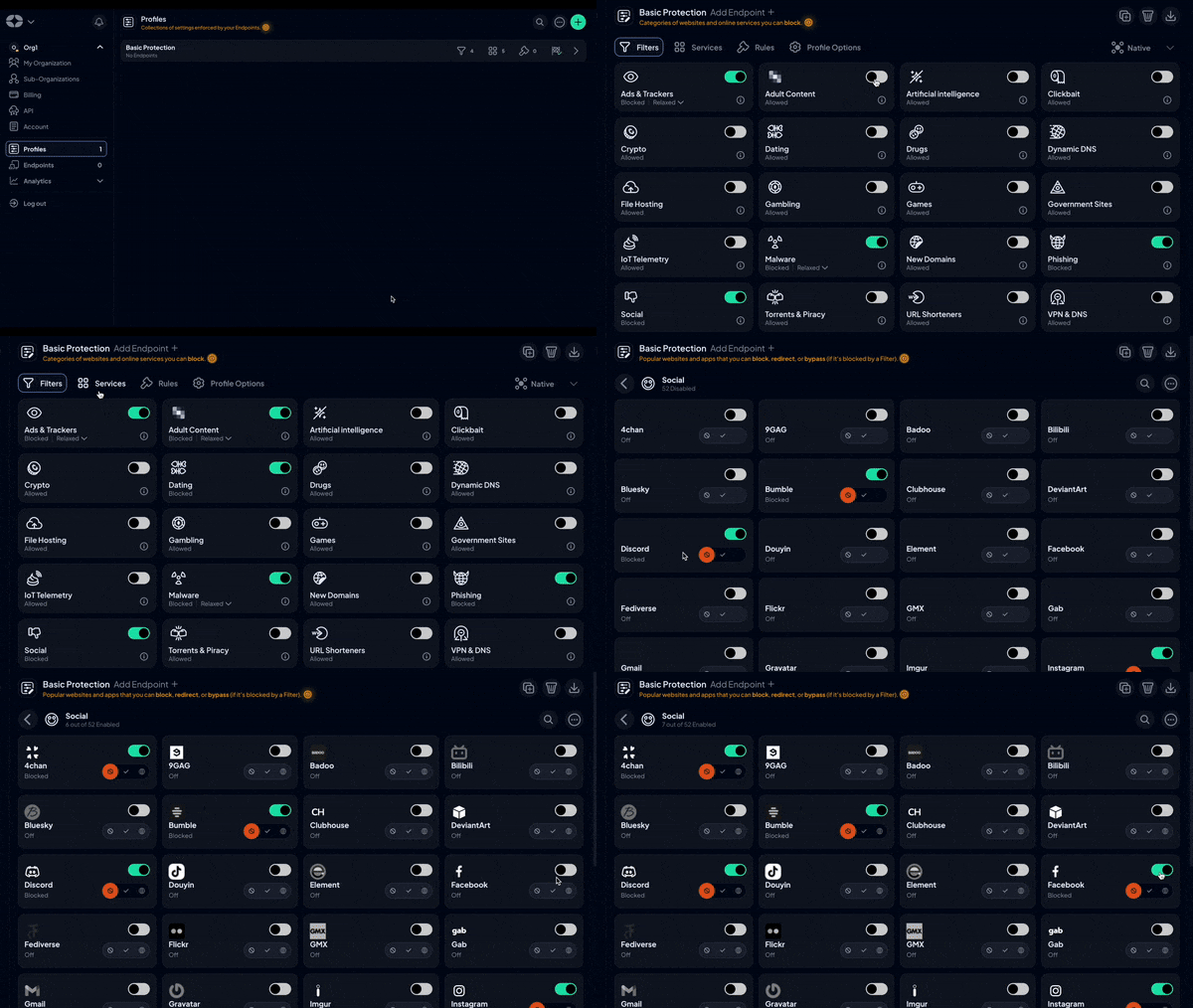
Control D gives you three layers to work with.
- 20 Filters handle entire categories like Adult Content, Gambling, or Social Media.
- 1,000+ Services let you get specific within those categories, e.g., allow LinkedIn while blocking everything else in Social Media, or block TikTok without touching anything else.
- Custom Rules cover the one-off domains that don't fit neatly into either.
Together, they let you build a policy that reflects how your household actually uses the internet.
3. Enhanced Support
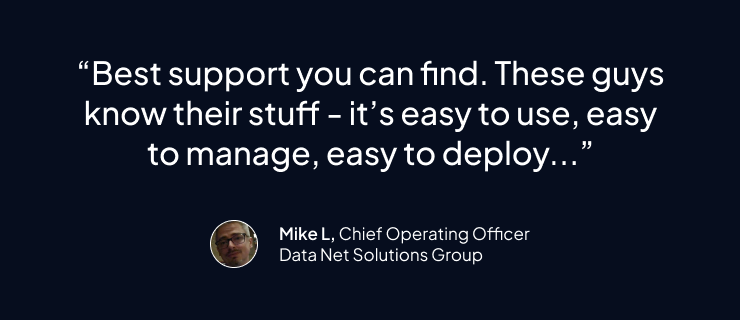
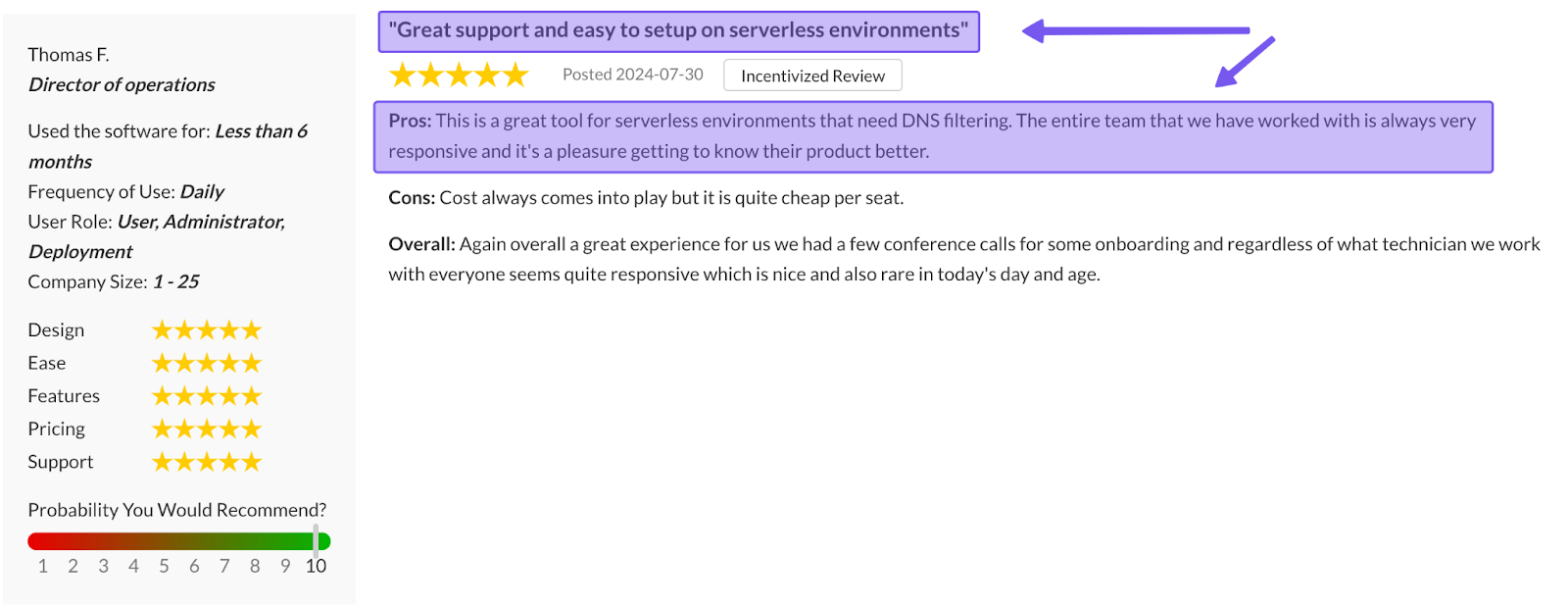
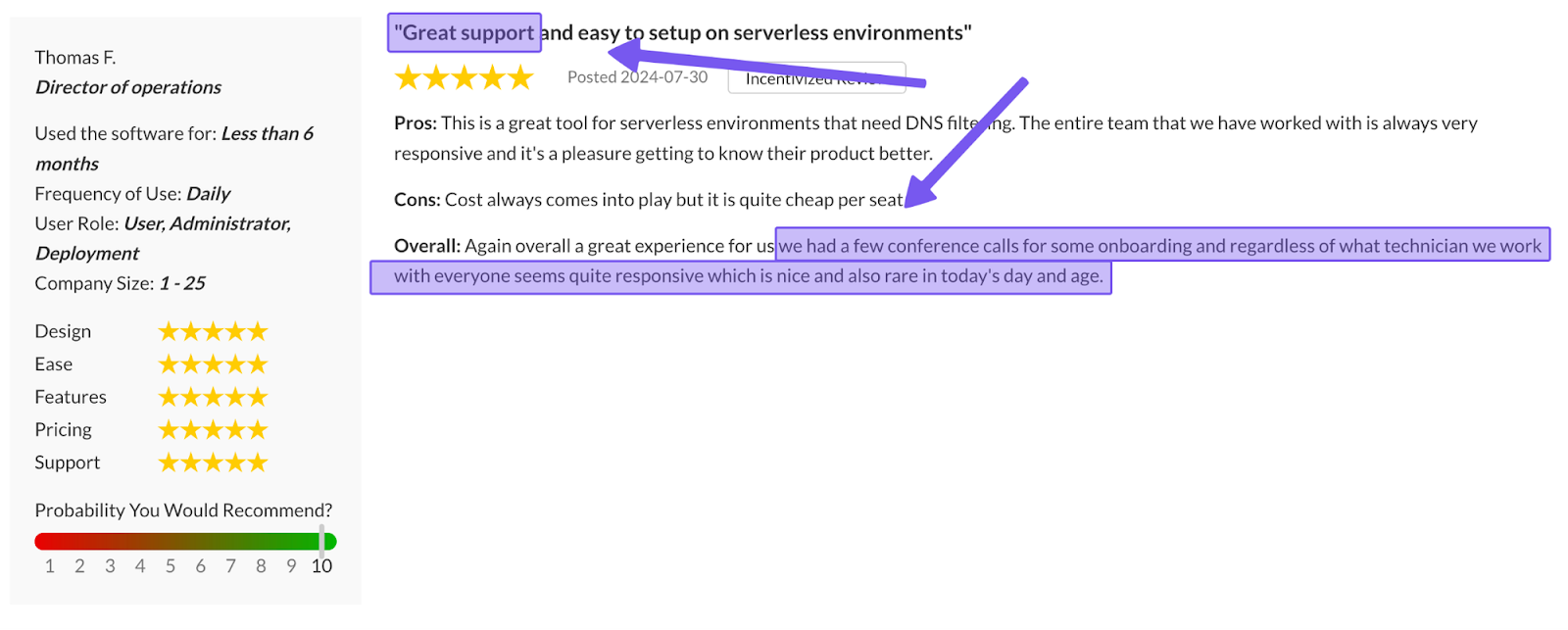
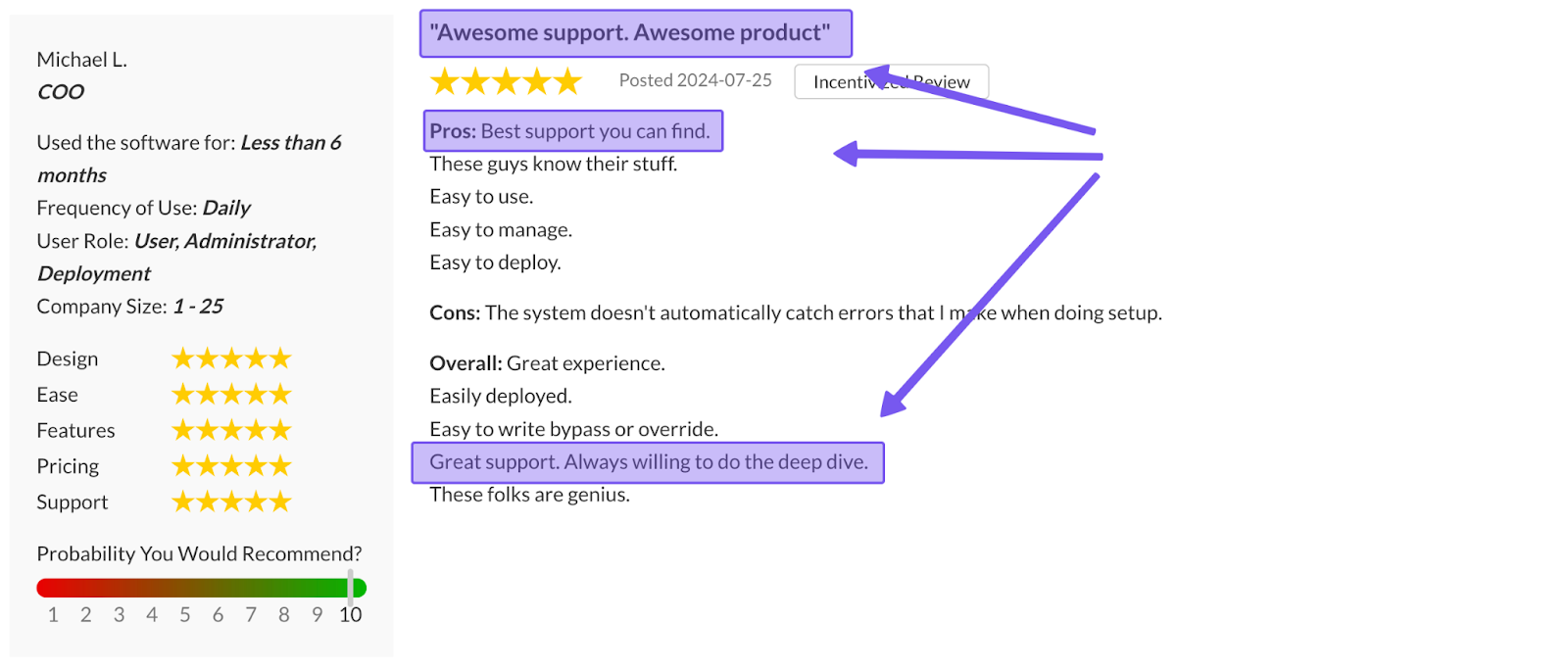
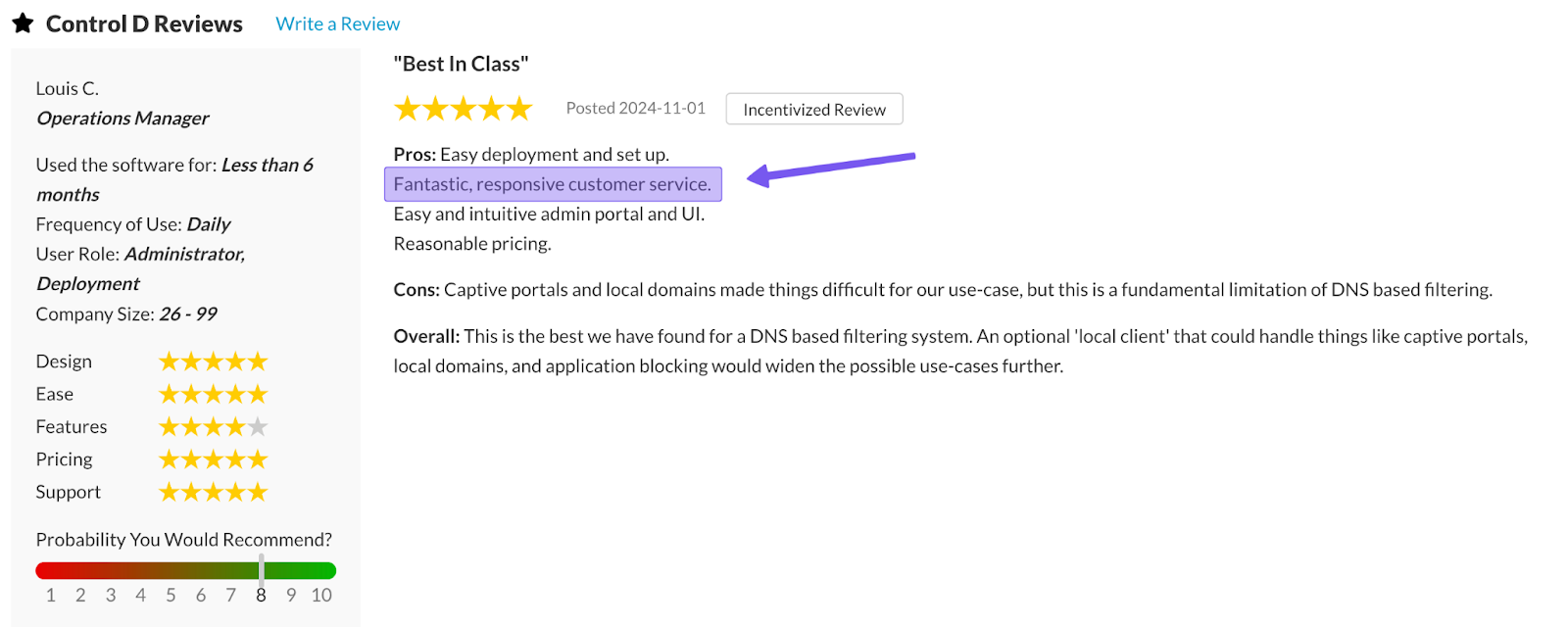
Control D offers email support seven days a week, has an active community on Reddit and Discord with visible staff participation, detailed documentation, and Barry, an AI assistant built into the dashboard that's available 24/7 and can open a support ticket on your behalf.
Many responses come directly from engineers and sometimes even from the founders themselves. OpenDNS users get a knowledge base and a community forum, with no guaranteed response from anyone.
4. Per-Device Profiles: Different Rules for Different People
Every device gets its own Profile with its own rules. This can mean strict filtering on your 10-year-old's tablet, a looser setup on your teenager's laptop, and nothing on your own phone.
If you need an extra layer of control, you can stack multiple Profiles and enforce them simultaneously. Set a base policy that applies across every device on your network (for example, a security-based policy), then layer individual Profiles on top so your household-wide rules and per-person rules run together without conflicting.
5. Safe Search, YouTube Restricted Mode, and Scheduling
You get all the “parental control” style features you want from a tool like this, too.
Safe Search can be enforced across major search engines at the Profile level, so it can't be turned off in the browser. YouTube Restricted Mode can be applied to specific devices to hide mature content and disable comments.
You can also use time-based scheduling, which means rules change automatically by time of day or day of week with no manual changes needed.
6. Ad and Tracker Blocking Built In
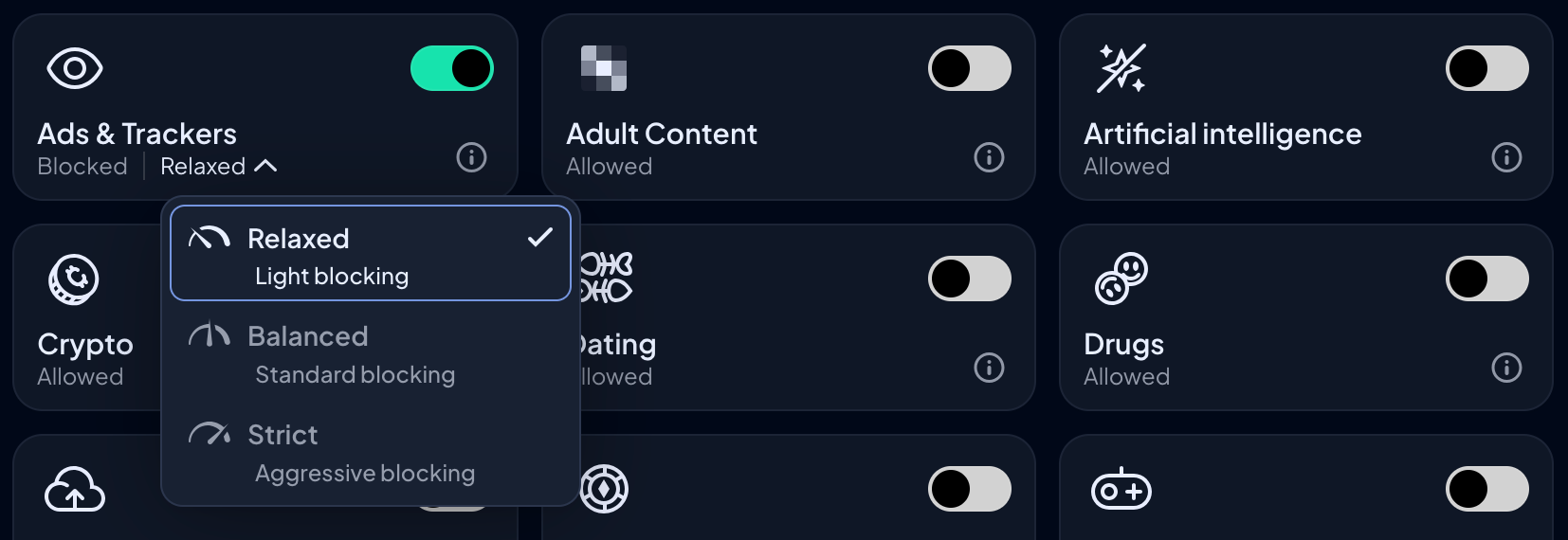
Control D blocks ads and trackers at the DNS level across your entire household, with adjustable modes (Relaxed, Balanced, Strict) to tune aggressiveness.
No browser extensions needed, pages load faster, and your family's browsing data isn't being collected in the background.
7. Traffic Redirection
Exclusive to the Full Control plan, Traffic Redirection lets you route specific services or all web traffic through proxy locations across 100+ cities in 60+ countries.
Content filtering and location flexibility run simultaneously from a single resolver, with no separate VPN required.
8. Geo-Custom Rules
Control D’s Geo-Custom Rules feature lets you build policies based on where a query originates and where it resolves, using country, IP, and ASN data. You can block or redirect traffic tied to specific countries, regions, or networks.
Most home users won't need this on day one, but it's a capability that doesn't exist anywhere in OpenDNS.
Check out Control D’s Geo Custom Rules documentation for more information.
9. Analytics & Reporting
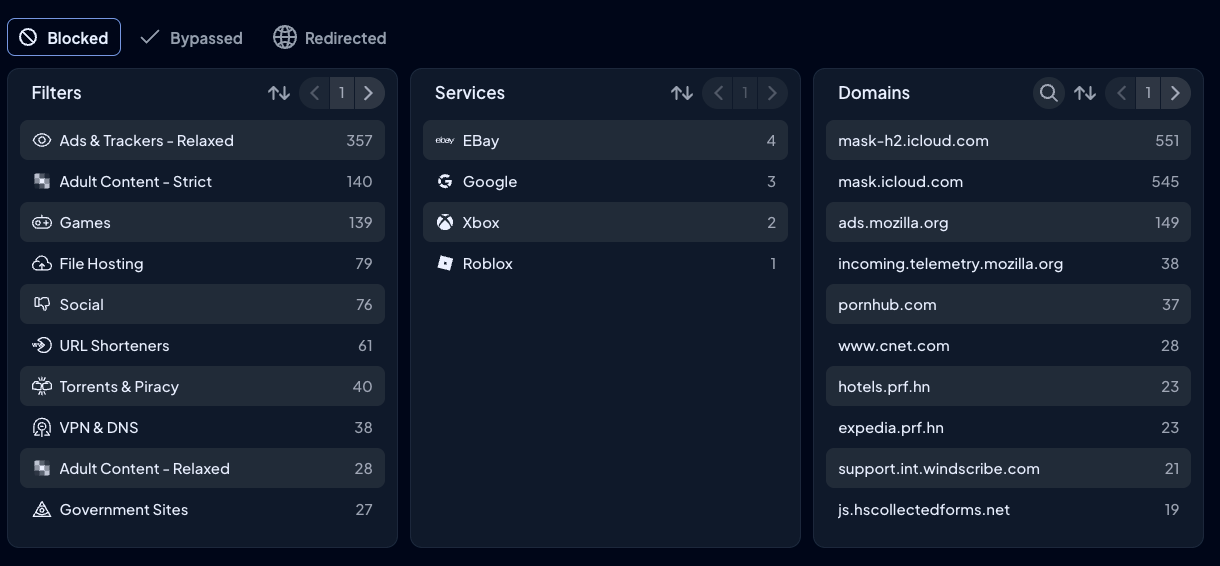
OpenDNS shows basic blocked-site stats for around 14 days. Control D gives you one month of granular query logs and up to a year of summarized data, filterable by device, Profile, Service, action, domain, and geography.
10. Easy to Deploy
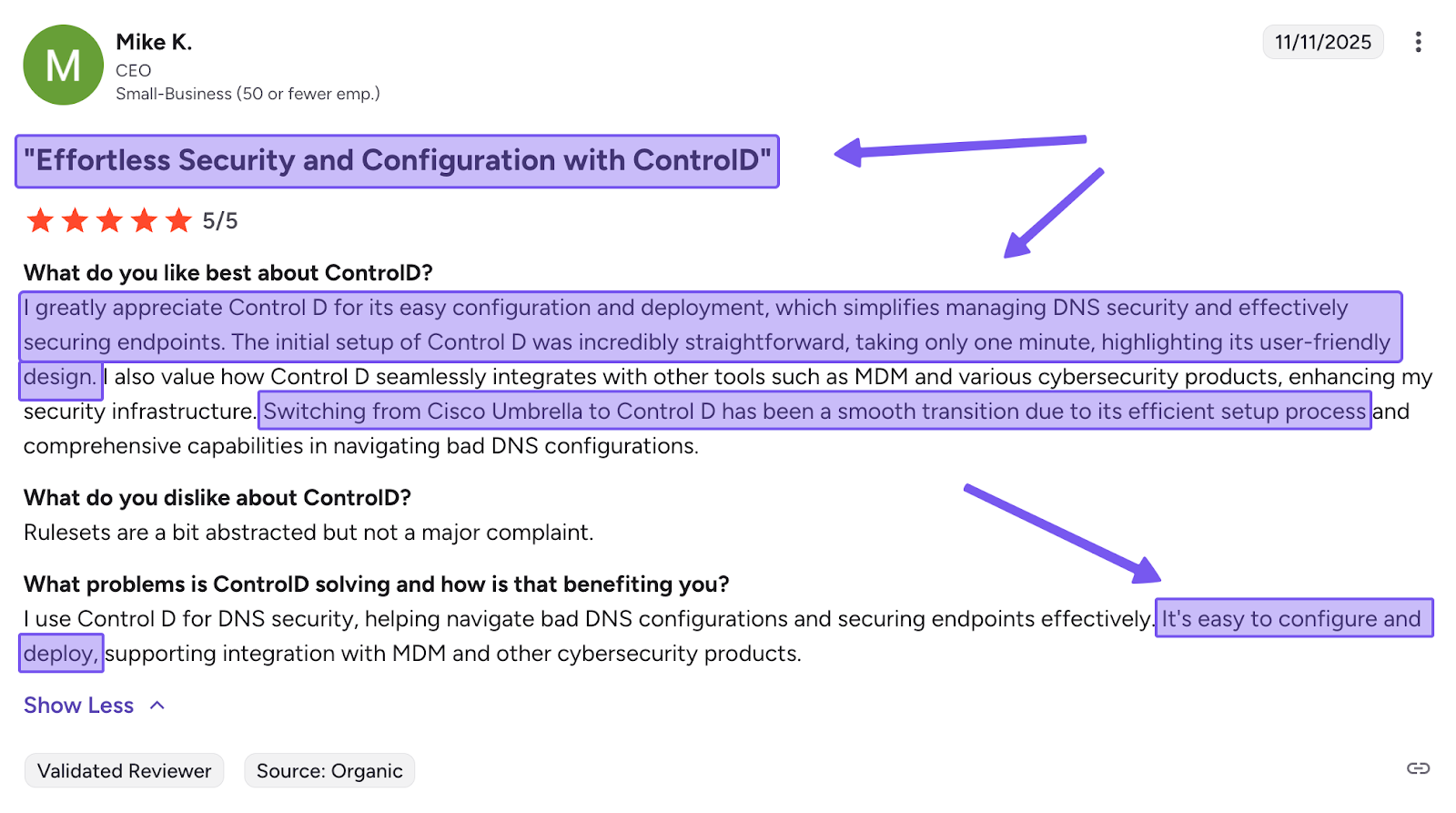
Change the DNS settings on your router, and every device on your network is covered in one step. If you prefer to skip the router entirely, you can deploy Control D on individual devices, whether that’s Windows, Mac, iOS, Android, or Linux in under two minutes.
11. Active Development
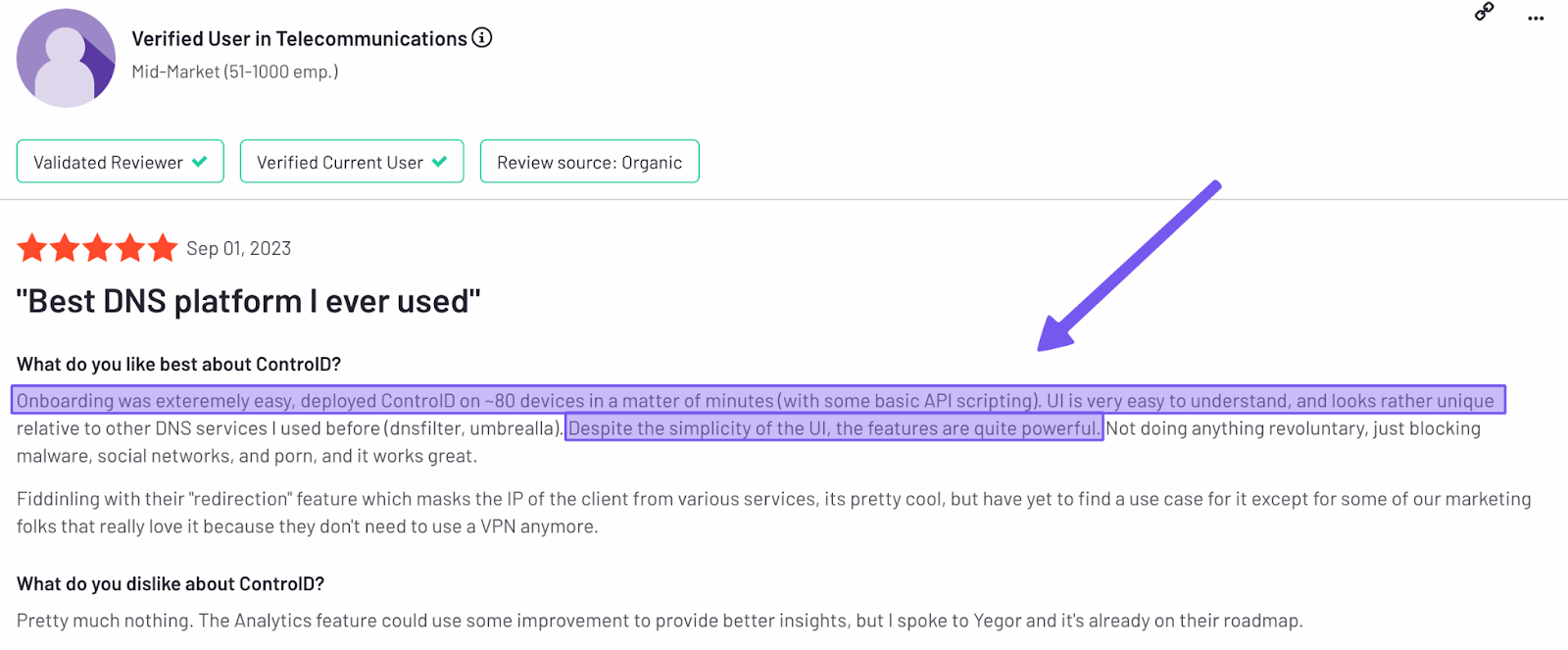
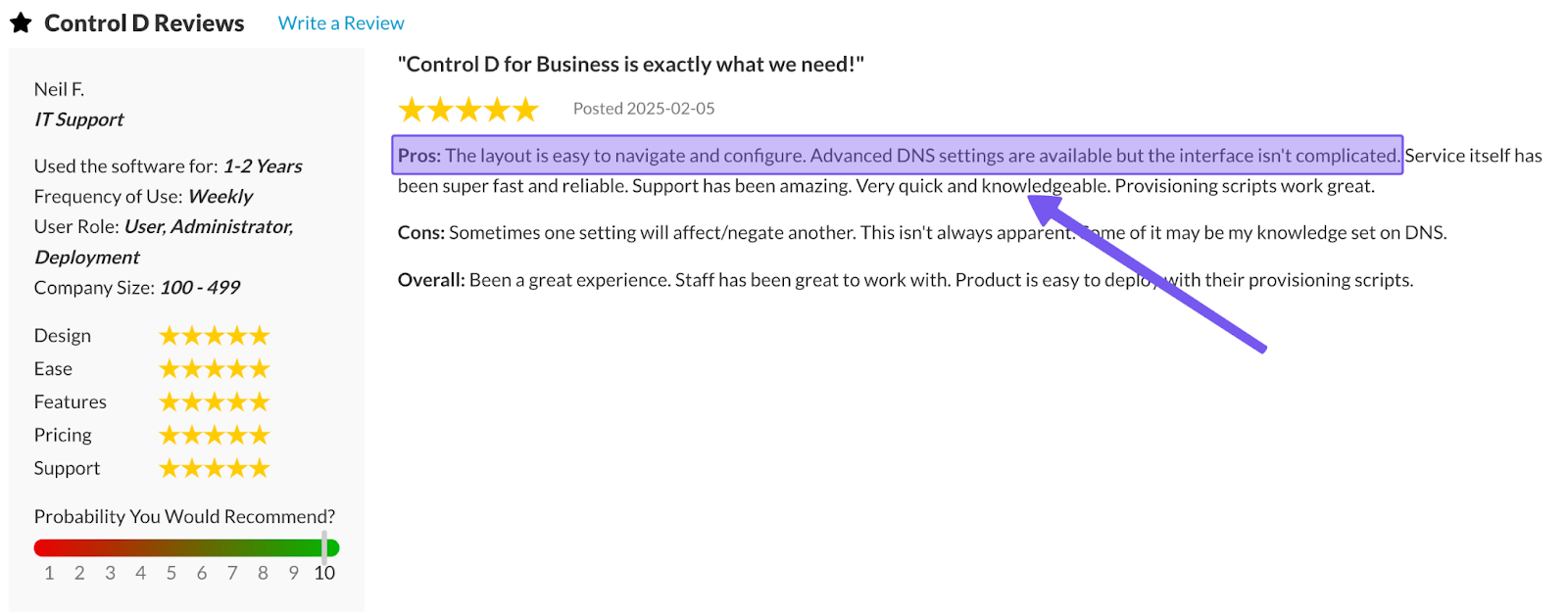
OpenDNS has been largely unchanged since 2015. A quick look at Control D’s changelog shows that it ships updates on an almost weekly basis.
The product you sign up for today will look meaningfully different and better a year from now, which is what you want from a DNS filtering and security service.
Final Thoughts
So, is OpenDNS pricing worth it? For a free product, yes, within narrow limits.
If you have one home network, a static or quasi-static public IP, no need for per-device control, and you just want to block adult content and known malicious sites, OpenDNS Home and Family Shield still does the job it did a decade ago. Plus, you can't argue with $0.
But the limitations are real: no apps, no per-device control, no ad blocking, a 25-domain cap on custom rules, dynamic IPs that require a constantly-running updater, and a product that hasn't really changed since 2015.
Control D is the stronger option for anyone who wants more advanced security features and capabilities:
- Free DNS: Pre-configured resolvers with solid customization, no account required
- $3/month: Per-device profiles, 1,000+ blockable services, ad and tracker blocking, and protection that follows your devices off your home network
- $6/month: Everything above, plus Traffic Redirection across 100+ locations in 60+ countries
For most households, moving from OpenDNS to one of Control D’s free DNS resolvers alone is an upgrade worth making.